Sendhour is our product, and it posts one video to several networks, so weigh this with that in mind. Most of this guide works by hand, with no tool at all. I say where Sendhour helps in one section, and where a native upload is still better.
Some context. I run about 15 TikTok accounts for my own apps, mostly photo slideshows plus some videos. My apps stalled while I relied on App Store optimization alone, which is why I moved to short video.
The question, in a founder's words
A founder on r/TikTokMarketing asked on November 11, 2026, about an iOS app that wasn't built yet: "Do you post the same video on TikTok and Instagram Reels, or make different versions? If you reuse it, do you remove the watermark and change anything (hook, length, caption)?" They also asked how many weeks before launch to start, and where to send viewers before the app exists. Their plan was "1 video per day for about a month before launch". This guide answers most of it.
What you can post unchanged on TikTok, Reels and Shorts
The idea, the hook, the structure and the edit itself can usually travel as they are. An idea like "5 things I wish I knew before my first marathon" works on all three networks, because the viewer is the same kind of person scrolling the same kind of feed. Making three separate videos for one idea triples the work and, in my experience, rarely triples the results.
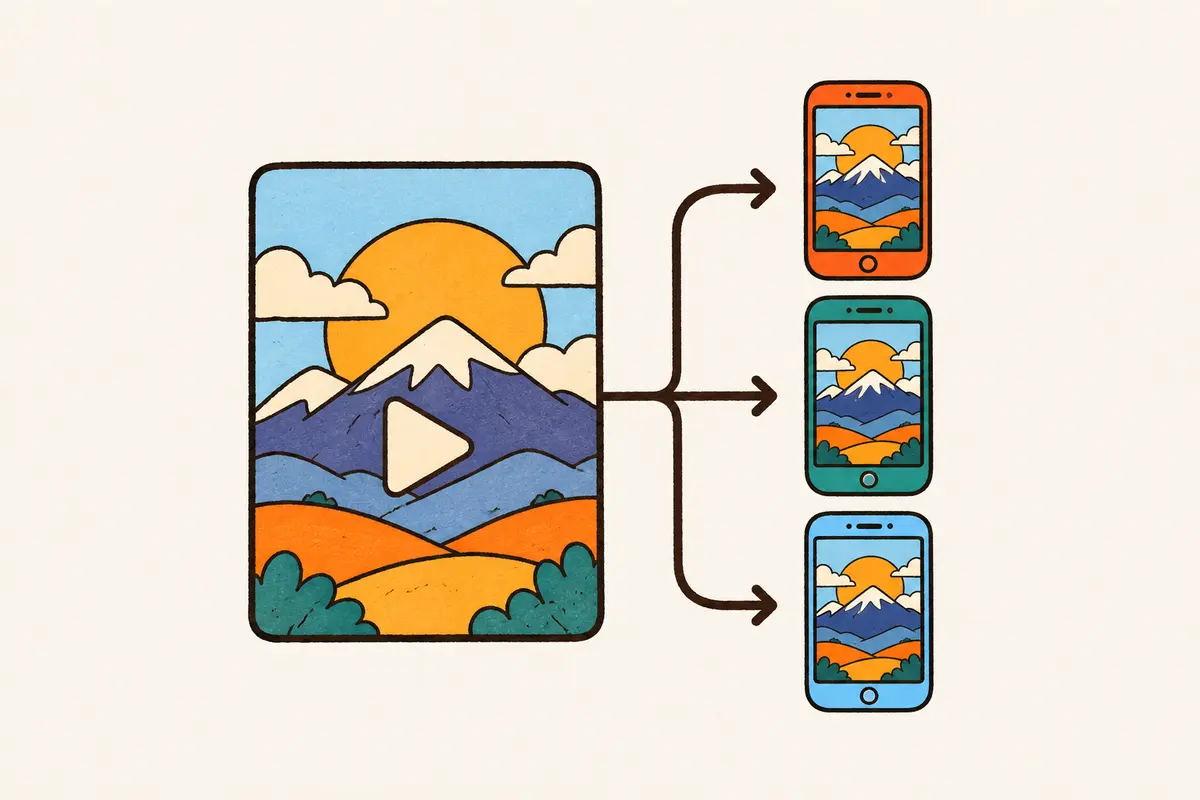
What can't travel is the file you download back from a network. TikTok's For You feed standards (read November 25, 2026) list as not eligible "Reused or unoriginal content posted without creative edits, such as clips that show someone else's watermark or logo". Instagram's ranking post by Adam Mosseri (May 31, 2023) says "We aim to make certain reels less visible for other reasons, such as low-resolution or watermarked reels". So export once from your editor, without a watermark, and upload that same file everywhere.
YouTube Shorts takes most of these videos as they are. YouTube's help page (read November 25, 2026) says videos "with a square or vertical aspect ratio up to three minutes in length will be categorized as Shorts on YouTube."
What to change for each network
Here's what I change, step by step, for one video going to three networks:
- Caption. On TikTok, write a caption with the words people search for, like "budget app for students" rather than "this changed everything". On Instagram, a shorter caption is fine. On YouTube, the title does most of the work.
- Hashtags. Instagram limits a post or Reel to five hashtags, as Social Media Today reported on December 18, 2025, quoting Instagram. I keep the same three to five on TikTok so I only pick them once.
- Text placement. In my experience each app draws its buttons and caption over the bottom and right side of the video. Keep hook text in the middle area. Our free TikTok safe zone checker shows where TikTok's buttons sit; give Reels and Shorts the same margin.
- Sound. A trending sound picked inside TikTok doesn't come with the file. If the video needs one, add it in each app, or use a sound you own that is baked into the export.
- Posting time. Post when each audience is awake. Our free tools for the best time to post on TikTok and the best time to post YouTube Shorts give a starting point.
A mistake to avoid is rewriting the hook for every network before you know if it works anywhere. Change the packaging first. Rework the hook only when the same video does clearly worse on one network than the others, over several posts.
Photo slideshows versus video
Video travels best, because all three networks take it. Photo slideshows travel to two. TikTok takes photo posts and Instagram takes carousels, but YouTube Shorts are videos. If you want a slideshow on Shorts too, export it as a video with each slide on screen for two or three seconds.
Slideshows are still worth it for an app. Most of my own posts are photo slideshows, they are quick to make, and the text on each slide carries the idea without anyone on camera. If you're not sure which format suits your niche, the free TikTok carousel or video tool helps pick one.
How early to start posting before an app launch
A month of daily posts is a reasonable plan, and earlier is better if you can manage it. In my experience most posts get few views and one or two do several times better than the rest, so you need enough posts to find the one that works. Don't read anything into the first week.
- What to post before launch. The problem your app solves, not the app. "Why your budget falls apart by day 10" works before the app exists. A screen recording of an unfinished app doesn't.
- Where to send viewers. A waitlist page in your bio. TestFlight links only make sense once the build is stable, and a broken first impression is hard to undo.
- Can it be too early? My bet is that people forget a single video but remember an account they follow. Posting early mostly costs you time, and it buys you a tested format on launch day.
For what to do once the app is out, our guide to the first 1,000 app installs without paid ads picks up from here.
A weekly cross-posting routine
This is the routine I'd use for one app. An agency can repeat it per client app.
- Monday: pick formats. Find two or three posts in your niche that got far more views than their account usually gets. Our guide to finding viral TikTok ideas shows how to do it by hand.
- Tuesday: make the week. Seven videos or slideshows, exported clean, with no watermark.
- Tuesday, same sitting: write three captions per post. A searchable one for TikTok, a short one with up to five hashtags for Instagram, and a title for YouTube.
- Schedule all of it. Either in each app's own scheduler or in one tool. Our guide to scheduling TikTok, Reels and Shorts covers both routes.
- Sunday: compare. Look at the same video's views on each network. A network that keeps lagging needs a different hook or a different time, not more posts.
How to schedule one post to several networks with Sendhour
Everything above works by hand. Sendhour does the uploads:
- One file, every network. Sendhour posts to TikTok, YouTube, Instagram, Threads, Facebook, Bluesky, X and LinkedIn through each network's official API. You upload the file you exported, so no other app's watermark is added. Sendhour's TikTok app has passed TikTok's audit, so its posts can go out publicly.
- Settings per network. After you pick the accounts, the composer shows a panel for each network you picked: TikTok's privacy and comment settings, the YouTube title and visibility, Instagram feed or Reel versus Story. It checks the caption against each network's character limit and Instagram's five-hashtag limit before it schedules.
- A caption per network. Under the caption, Edit per network opens a tab for each network you picked, filled in with your main caption. Rewrite the ones that need it, such as a searchable line for TikTok and a short one with a few hashtags for Instagram, and each is checked against its own network's limits. Per-network captions work through the API and the AI app connection too. In the app, Adapt for each network has AI rewrite your main caption for every network you picked, free up to a daily limit, and you check each tab before posting.
- Sounds on TikTok. You can send a post to your TikTok inbox instead of posting it, then add a sound and effects in the TikTok app before you post.
- Finding what to post. The viral library finds posts doing far better than their account usually does, and the studio makes your own version, ready to schedule.
Where it falls short. A native upload is still better when you want a trending sound only TikTok has or an in-app effect, or when the video depends on a sticker such as a poll. Plans start at $19 a month for 15 accounts on Scheduler, which has no AI credits, or $29 for 5 accounts with monthly AI credits, and 15 accounts with credits are $49. No free trial, but there is a Free plan for 3 accounts (not X), with 10 posts waiting per account at a time and no card, and a paid plan's first payment has a 14-day money-back guarantee. See pricing.
Once the installs come in, the next leak is the people who open the app and don't buy. We also make Hailbell for that. It's a chat inside your app where an AI answers first from your docs and prices, and the questions reach you in Discord, Telegram, Slack or the web dashboard.
When separate content is worth the effort
Most of the time, one video with three captions is enough. Make separate content when:
- The audiences differ. If your Instagram followers are mostly existing users and your TikTok reaches strangers, an update video belongs on one and a problem video on the other.
- One network keeps lagging. After a month, if the same videos keep doing far worse on one network, try a format made for it rather than more of the same.
- The format is native. Duets, stitches and replies to comments only make sense where they started.
Postiz. Postiz, an open-source scheduler, also posts a video you made to TikTok, Instagram and YouTube from one place, and to more networks than we do. Sendhour vs Postiz covers which fits an app.
Questions
Should I post the same video on TikTok and Instagram Reels?
Yes, the same idea and usually the same edit can go to both, as long as you upload the clean original file to each one. Change the caption, the hashtags and sometimes the first line for each network. Don't download the TikTok and re-upload it. TikTok marks reused clips with someone else's watermark as not eligible for its For You feed, and Instagram says it makes watermarked reels less visible.
Does Instagram hide Reels with a TikTok watermark?
Instagram's own ranking post (May 31, 2023) says it aims to make certain reels less visible, such as low-resolution or watermarked reels. Export the video from your editor without a watermark and upload that file.
Can I post the same video on YouTube Shorts too?
Yes. YouTube treats a square or vertical video of up to three minutes as a Short, so most TikTok and Reels edits qualify. Write a YouTube title for it as well.
How early should I start posting before my app launches?
Four weeks or more before launch is a sensible start, so you have time to find one format that works. Post the problem your app solves, not the app itself, and send people to a waitlist page until the build is ready.
Should I start TikTok and Reels at the same time?
If you post by hand, start on one network, find a format that gets watched, then add the second. If a scheduler posts the same file to both, starting both on day one costs little extra time, and you learn which network your audience is on sooner.