
Sendhour is our product, and the free best time to post YouTube Shorts tool this guide quotes is ours too, so weigh this with that in mind. Apart from our free tool, everything here works with YouTube Studio alone. I say where Sendhour helps in one section.
Some context. I run about 15 TikTok accounts for my own apps, mostly photo slideshows plus some videos. My apps stalled while I relied on App Store optimization alone, which is why I moved to short video, and why I wanted a straight answer on timing instead of a guess.
What 355,260 Shorts say about posting time
Sendhour's viral library collects public Shorts every day from the channels it follows, each filed under an App Store category. For each Short, the tool asks one question: did it get at least 2 times the views its channel usually gets? A channel's usual views are the median of its 50 most recent Shorts that are at least 3 days old. Then it counts hits by the day and hour each Short went up. The tool uses the last 180 days and skips the newest 7, because their views are still growing.
Here is what it showed on November 26, 2026, for Shorts posted May 30, 2026 to November 19, 2026, all categories together, in New York time. On average 30% of Shorts got at least double their channel's usual views.
| Day | Got 2x usual views |
|---|---|
| Monday | 30% |
| Tuesday | 29% |
| Wednesday | 29% |
| Thursday | 30% |
| Friday | 31% |
| Saturday | 31% |
| Sunday | 30% |
| Time of day (New York) | Got 2x usual views |
|---|---|
| 12 to 4 am | 31% |
| 4 to 8 am | 31% |
| 8 am to noon | 30% |
| noon to 4 pm | 28% |
| 4 to 8 pm | 28% |
| 8 pm to 12 am | 31% |
A 2-point spread across days and 3 points across the day is small. If you posted at the worst slot instead of the best, you'd expect about the same share of hits. Split by category, 2 of the 26 categories had a day that stood out after the tool's checks: Photo & Video (Saturday, 32% against 28% on Wednesday) and Magazines & Newspapers (Sunday, 41% against 33% on Wednesday). The rest showed no clear day. The tool updates daily, so check your own category and time zone there rather than trusting this snapshot for long.
One limit. We know when each Short went up, not where its viewers are. The channels post from many countries, so an hour in New York time mixes a lunch break in one country with the middle of the night in another. That blurs hours more than days, which is why the tool never names a best hour.
Why other guides give you a day and an hour
Three guides that rank for this search each name a day and an hour. All read on November 26, 2026:
- Buffer measured "the median engagement of 1.8 million videos" and reports Shorts separately from long-form: "the best time to post YouTube Shorts is Friday at 4 p.m., followed by Friday at 6 p.m. and Friday at 7 p.m." It says the times "apply in your local time". The same page adds that Shorts "are continuously resurfaced by YouTube's recommendation engine over days or even weeks, which means the initial publish time is less make-or-break."
- Adobe Express analyzed "24,274 YouTube Shorts across 280 creators" (July 1, 2025) and found "Saturday at 4 p.m." was "the single best time for average views". The page doesn't say which time zone.
- SocialBu says Friday, with "7 AM, 9 AM, 3 PM and 6 PM Onwards", in Eastern time, from what it calls "1000+ accounts" (June 25, 2025).
They disagree with each other. Buffer measured median engagement and Adobe average views, across many channels. SocialBu talks about engagement but doesn't say how it measured it; it also lists hours by niche, such as Fitness & Health. Adobe says its sample covered "12 content categories". My reading is that the gap between them is mostly method: when you count views or engagement across channels, a slot can look good because big channels happen to post then. Our tool compares each Short with its own channel's usual views, which takes channel size out, and none of the three says it does that. Measured that way, the slots come out close to even.
YouTube's own people say something similar about videos in general. Rene Ritchie, then YouTube's creator liaison, wrote on March 26, 2024: "If you're posting more evergreen content, post whatever time you like. Just be aware that if you're posting at off hours, initial acceleration will be slower, and adjust your expectations accordingly." He added: "Over the course of a couple weeks or a month, though, views will probably end up the same, regardless of what time you initially post." He was talking about YouTube videos, not Shorts in particular, and for news or trends he said to post as soon as you can.
How to pick your first posting time
Here's the order I'd follow for a new app channel:

- Start from where your users are. Look at your app's downloads or sign-ups by country. If most are in the US, pick a US hour; if they're spread out, pick the country with the most paying users. A Short reaches people who are scrolling, so pick an hour when that country is awake, not when you are. Any waking hour you can keep will do, since the data above shows little difference between them.
- Pick a slot you can keep. One Short a day at a fixed time beats three Shorts one day and none the next. A fixed time also makes your own numbers easier to compare.
- Check your category. Open the free tool, pick your app's category and time zone. If your category has a clear day, lean your best ideas toward it. If it says "no clear day", that's the honest answer, and you can stop worrying about the day.
- Read your own viewers once you have them. In YouTube Studio, go to Analytics, then the Audience tab. YouTube's help page says the "When your viewers are on YouTube" report "shows you when your viewers are online across YouTube in the last 28 days." Move your slot into the hours that chart shows, a little before the busiest one. If you schedule with Sendhour, its analytics page also has a Best times tab for each connected channel, which compares each Short you published through Sendhour with the ones before it.
- Test one change for two weeks. Keep your slot and add a second one a few hours away, alternating which Short goes where. After two weeks, compare each slot's Shorts with your channel's median views, not with each other's raw views. One Short that took off can make a slot look good on its own.
A mistake to avoid: changing the time and the format in the same week. If views go up, you won't know which change did it. Change the time only when the content has stayed steady for a while.
Posting from one country for viewers in another
Plenty of founders build in one country for customers in another. A founder in r/startups wrote on November 10, 2026, about TikTok, not Shorts: "I even schedule posts around US time zones, but most of my views seem to come from Nepal or nearby regions. When I post during US business hours, I barely get views." Their post asks whether they're "actually being region-limited" or whether the content "simply isn't engaging enough", and they don't know which yet.
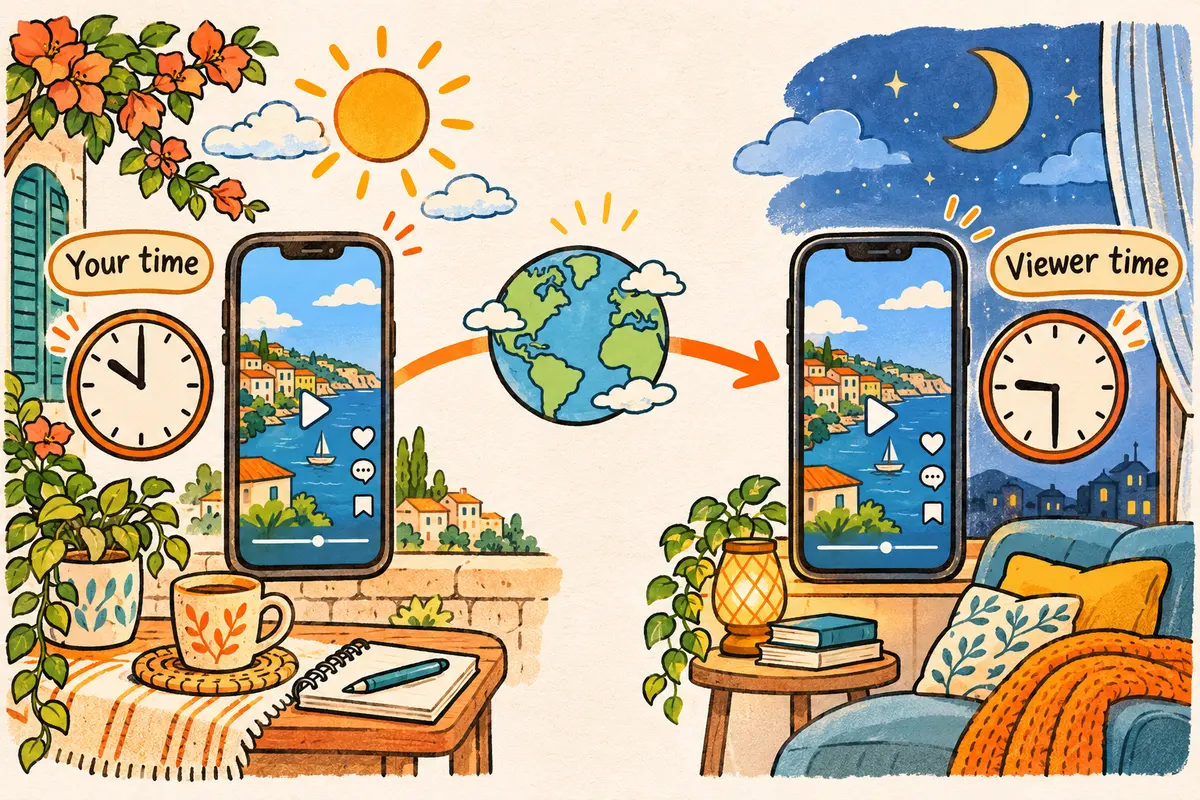
My reading: the posting hour is the cheap part to change. If YouTube Studio shows most of your views coming from the wrong country, the topic, the language and the words in your title and on screen tell the platform who it's for more than the hour does. Make the Short clearly about a US problem, in US English, and then post it when US viewers are awake.
If you run Shorts for several apps
An agency or a studio with several client apps should treat each channel as its own test. Different apps have different viewers, and the category data above shows that most categories have no clear day anyway. Give each channel a fixed slot at a waking hour for its viewers, run the two-week test per channel, and keep the slots in one calendar so two client Shorts don't need you at the same moment. Our guide to running several TikTok accounts for one app covers the account side of this.
Where Sendhour helps
All of the above works in YouTube Studio, which schedules uploads for free: its help page says to "Set the date, time, and time zone that you want your video to be published." Sendhour helps when you post the same Short to several networks or channels:
- The timing data, free. The best time to post YouTube Shorts tool and the best time to post on TikTok tool need no sign-up.
- Scheduling at the time you pick. Sendhour schedules a Short to YouTube with its title and visibility, and the same video to TikTok, Instagram, Threads, Facebook, X and LinkedIn, at the date and time you pick in your time zone. Our guide to posting the same video on TikTok, Reels and Shorts covers what to change per network.
- Your own numbers. The analytics page shows views and engagement for your connected accounts where the network reports them, over 7, 30 or 90 days (up to 30 on Free), and your top posts published through Sendhour, by engagement.
- Your own best times. Once a channel has 35 posts at least a week old (on YouTube, the Shorts you published through Sendhour), the Best times tab compares each one with the median views of the 15 before it and names a day or a 4-hour block only when it clearly did better than your other posts, in your time zone. The composer shows that time next to the date. It works the same way for TikTok, Instagram and the other networks whose numbers Sendhour reads.
- What to post. The viral library finds Shorts and TikTok posts doing far better than their account usually does, the same data behind the timing tool.
Where it falls short: one channel's posts are a small sample, so the Best times tab often says nothing stands out until a channel has a few months of posts, and it doesn't read when your viewers are online. Some schedulers build best times from that kind of data. Metricool's best-times view covers YouTube, but its help page (read November 26, 2026) says YouTube doesn't "provide account-specific data", so for YouTube it uses "behavior studies to give you a general idea of the best times to post". For TikTok Business accounts, Instagram linked through Facebook, X (on its Advanced and Custom plans) and Facebook Pages connected before September 24, 2024, it uses each account's own data; our Sendhour vs Metricool comparison covers the rest. For your own channel's hours on YouTube, the Studio chart above is the best source either way. Plans start at $19 a month for 15 accounts on Scheduler, which has no AI credits, or $29 for 5 accounts with monthly AI credits, and 15 accounts with credits are $49. No free trial, but there is a Free plan for 3 accounts (not X), with 10 posts waiting per account at a time and no card, and a paid plan's first payment has a 14-day money-back guarantee (on plans with AI credits, if you've used under 20% of the month's credits). See pricing.
Postiz. Also weighing Postiz? It is the biggest open-source scheduler, hosted from $29 a month for 5 channels or free to host yourself, and it posts to more networks than we do. Sendhour vs Postiz shows where each one wins, and Postiz alternatives lists the other options.
Questions
What is the best time to post YouTube Shorts?
In our data there isn't one hour that wins. Across 355,260 Shorts, every 4-hour block of the day landed between 28% and 31% of Shorts getting at least double their channel's usual views (New York time, November 26, 2026). Pick a time your viewers are awake, from YouTube Studio's "When your viewers are on YouTube" chart once your channel has viewers, and keep it steady.
What is the best day to post YouTube Shorts?
With all categories together, the days sat between 29% and 31%, so no weekday is a shortcut. 2 of the 26 app categories in our free tool had a clear best day on November 26, 2026: Photo & Video (Saturday, 32% against 28% on Wednesday) and Magazines & Newspapers (Sunday, 41% against 33% on Wednesday). Check your own category in the tool, which updates daily.
Does posting time matter for YouTube Shorts?
Less than most guides say. In our data the best and worst time of day were 3 points apart and the best and worst day 2 points apart. My view is that what a Short is about matters more than the hour. Timing is worth a two-week test, not a week of worry.
Should I post Shorts at the same time every day?
A fixed time makes the habit easy to keep and makes your own numbers easier to compare. It is not a ranking rule we know of. If you post more than once a day, space the Shorts a few hours apart so you can tell them apart in your analytics.
What time should I post Shorts for a US audience from India?
Set your scheduler to the hours your US viewers are awake, then check YouTube Studio's chart to see if they actually show up then. If most of your views still come from India, my reading is that the topic or the language is reaching the wrong audience, and changing the hour alone won't fix that.